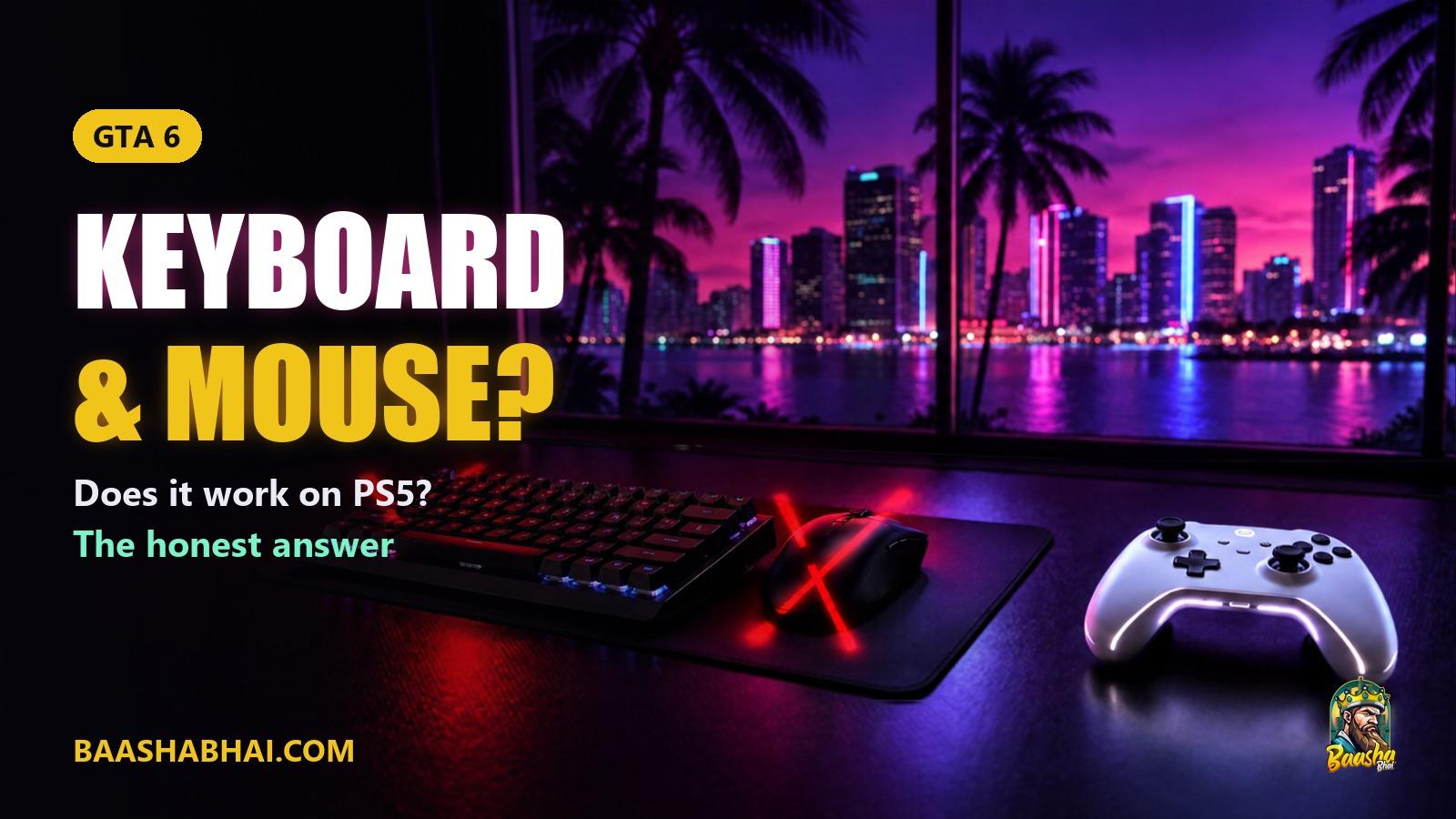
Lots of new GTA 6 players come from PC and want to aim with a mouse. Short answer: on PS5, you can't, not properly. Last checked: 21 November 2026.
Does GTA 6 support keyboard and mouse on PS5?
No. Rockstar hasn't added keyboard and mouse support to GTA 6 on PS5 or Xbox Series X|S. The PS5 itself accepts a USB or Bluetooth keyboard and mouse, but the game has to support them, and GTA 6 doesn't.
This isn't new: GTA 5 and GTA Online never got keyboard and mouse on console either. So don't expect a patch soon.
What about playing on my PC with Remote Play?
The free PS Remote Play app lets you stream your PS5 to a Windows PC. It works well, but it needs a PlayStation controller. Keyboard and mouse don't control games in the official app. Full setup: how to play your PS5 on a PC.
The workarounds (and why we skip them)
- Unofficial Remote Play apps (like the open-source chiaki-ng) can map your keys and mouse to controller buttons. The problem: the game still thinks it's a controller, so the mouse moves like a thumbstick. Aiming feels floaty and slow. OK for menus, bad for gunfights.
- Adapter boxes (XIM, Cronus and similar) plug into the PS5 and disguise a keyboard and mouse as a controller. They cost money, the aim still isn't real mouse aim, and they break PlayStation's rules. When GTA 6 Online arrives, that's a real risk for your account. We don't recommend them.
What we recommend
- Use the DualSense controller. GTA 6 on console is built for it, and the aim assist does a lot of the work. Set it up well with our best GTA 6 settings on PS5.
- Want mouse aim? Wait for the PC version. Rockstar hasn't given a date yet. PC versions of GTA always have full keyboard and mouse, and this one is expected to as well.