If you have spent any time in the FiveM community, you have heard the term MLO thrown around constantly. Server owners request them, developers sell them, and players experience them every time they walk inside a custom building. But if you are new to FiveM, the term can be confusing.
This guide explains exactly what an MLO is, how it works technically, and why it is one of the most important assets a FiveM server can have.
What Does MLO Stand For?
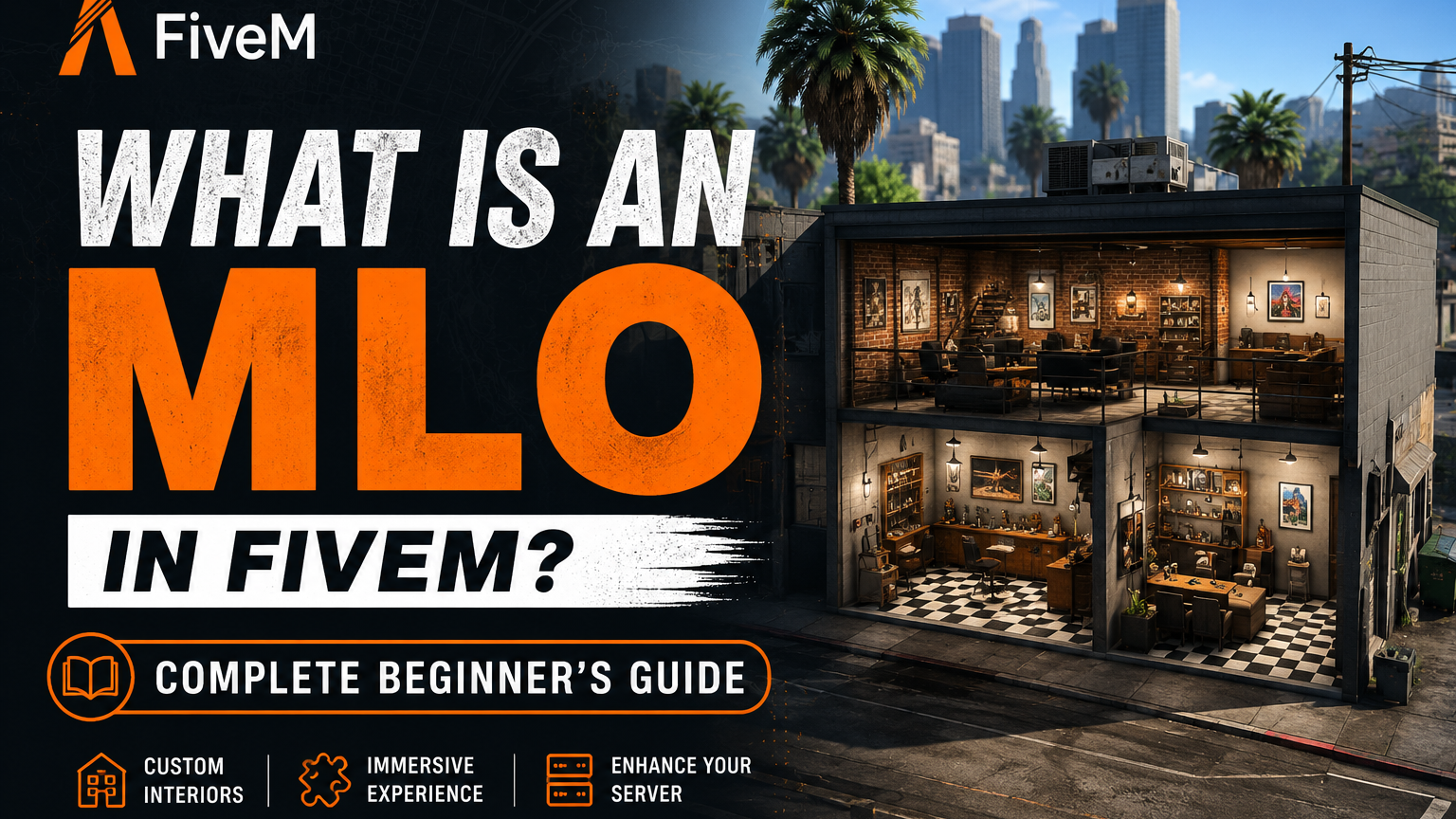
MLO stands for Map Level Object. In the context of GTA V and FiveM, an MLO is a 3D interior space that is loaded into the game world and accessible by players. It replaces or adds to the existing GTA V map with custom built interior environments.
When you walk through a door in FiveM and find yourself inside a fully detailed custom building — a police station, a gang hideout, a luxury mansion, a car dealership — that interior is an MLO.
How MLOs Work Technically
GTA V's base game has a limited number of enterable interiors. Most buildings in Los Santos are just facades — you cannot go inside them. MLOs change this by creating custom interior spaces using Rockstar's own map format.
An MLO consists of several file types:
YDR files — The 3D model files containing the geometry of the interior. Walls, floors, ceilings, furniture, and all visible objects are stored here.
YTD files — Texture dictionary files. All the textures applied to the 3D models — wood grain, concrete, metal, fabric — are packed into YTD files.
YMAP files — The placement files that tell GTA V where to position objects in the world. This is what places your interior at the correct location on the map.
YTYP files — The archetype definition files that register your MLO with the game engine and define its collision, LOD distances, and flags.
When these files are loaded together on a FiveM server, players can enter the building, see the interior, and experience the space as if it were part of the original game.
MLO vs Prop — What is the Difference?
New server owners often confuse MLOs with props. They are different things:
Props are individual 3D objects placed in the world — a chair, a table, a car. They sit on top of the map but do not create enterable spaces.
MLOs are full interior environments with proper collision, portals, and room definitions. They are registered with the game's streaming system as actual map geometry — not just objects placed on top of it.
This distinction matters for performance. A poorly built interior made of stacked props destroys FPS and causes lag for everyone on the server. A properly built MLO uses the game engine's built-in optimization systems and performs significantly better.
Why Server Owners Need MLOs
The difference between a generic FiveM server and a premium one often comes down to MLOs. Here is why:
Immersion — Roleplay depends on environment. A custom police headquarters with proper cells, briefing rooms, and armories creates a completely different experience than standing outside a default GTA building.
Uniqueness — Default GTA interiors are the same on every server. Custom MLOs give your server locations that players cannot find anywhere else.
Functionality — MLOs are designed around specific server functions. A custom mechanic shop has lift areas, tool storage, and office space designed for the mechanic job script. Default locations rarely match what servers need.
Player retention — Servers with high quality custom environments keep players engaged longer. A visually impressive, well-designed city is one of the top reasons players choose one server over another.
Types of MLOs
Residential MLOs — Houses, mansions, apartments, and villas for player housing systems.
Gang/Criminal MLOs — Hideouts, warehouses, underground bunkers, and gang bases for criminal organizations.
Emergency Services MLOs — Police headquarters, fire stations, EMS bases, and courthouses for emergency roleplay.
Business MLOs — Car dealerships, mechanics, restaurants, shops, and offices for business roleplay.
Custom Commission MLOs — Built to a server owner's exact specifications, completely unique and not available to any other server.
How MLOs Are Made
Creating an MLO requires specialized knowledge of:
- 3ds Max or Blender — 3D modeling software for building the geometry
- GIMS EVO or Sollumz — GTA V exporter plugins that convert models to game format
- CodeWalker — The GTA V map editor used to place and configure MLOs in the world
- OpenIV — For working with game files and understanding existing map structure
Professional MLO development takes significant time — a quality interior can take anywhere from 20 to 200 hours depending on complexity. This is why quality MLOs from experienced developers cost what they do.
Performance — What to Look For
Before buying or installing any MLO, check these performance indicators:
Optimized LODs — Level of Detail models that reduce polygon count at distance. Without proper LODs, your server FPS drops even when players are far from the interior.
Occlusion — Properly set occlusion means the game stops rendering parts of the interior that are not visible. Missing occlusion causes massive FPS drops inside complex interiors.
Texture compression — Uncompressed textures eat VRAM and cause stuttering. Quality MLOs use DXT compressed textures at appropriate resolutions.
All Baasha Bhai Studio MLOs are built with optimized LODs, proper occlusion walls, and compressed textures — tested on servers with 100+ concurrent players.
Final Thoughts
MLOs are the foundation of immersive FiveM roleplay. They transform a generic GTA V map into a unique, functional world that players want to inhabit. Understanding what they are and what makes them good or bad helps you make informed decisions when building or upgrading your server.
Whether you are starting your first server or upgrading an existing one, investing in quality MLOs is one of the highest-impact improvements you can make to player experience.